

01
Where your shots landed
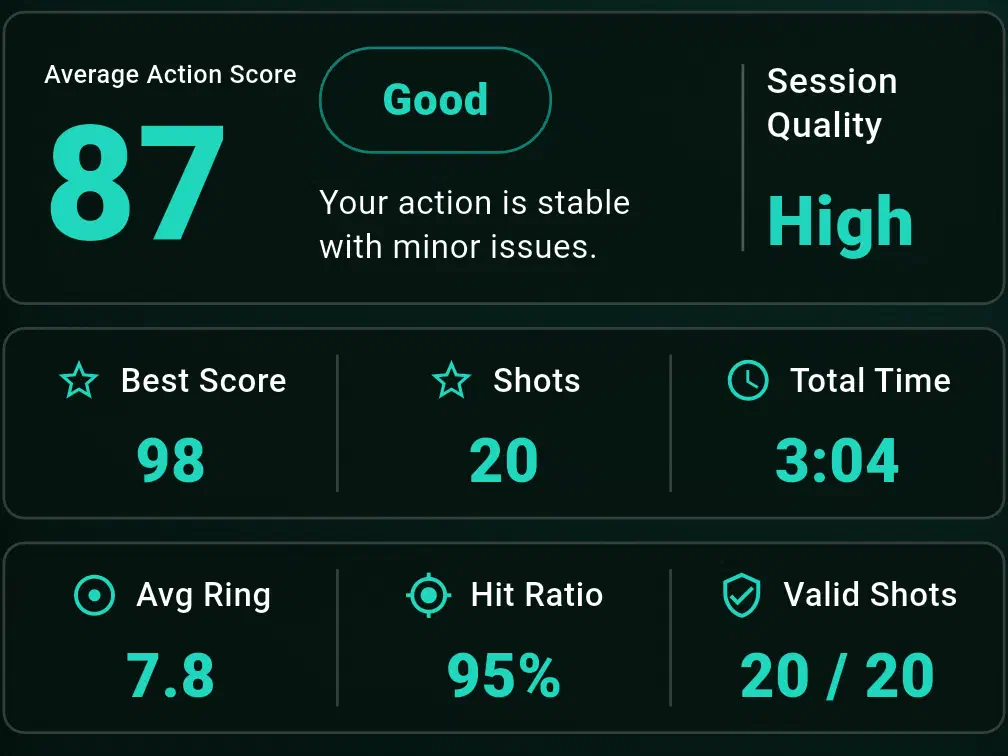
Ring score, hit ratio and valid shots for the session, from the laser hits your phone detected on the target.
Founding 50 · Now recruiting
We're inviting 50 shooters, instructors and dry-fire regulars to test an early training system and tell us what works. Selected members get early access to the device and app. Participation is free.
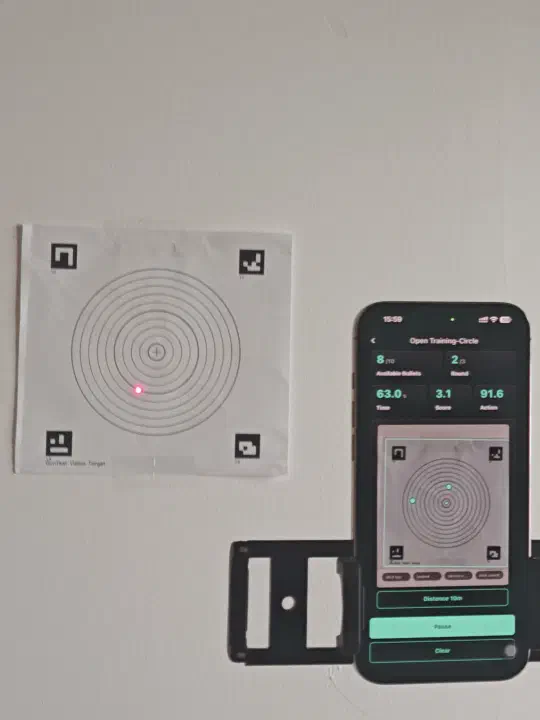
Internal testA laser hit on the target, marked on the phone
Dry-fire training system · In development
TEKAIM is a small device for your pistol's accessory rail. It is designed to track how the muzzle moves and send a laser pulse when the trigger breaks. Your phone watches the target, and the app is built to show where each shot landed and how the muzzle moved.
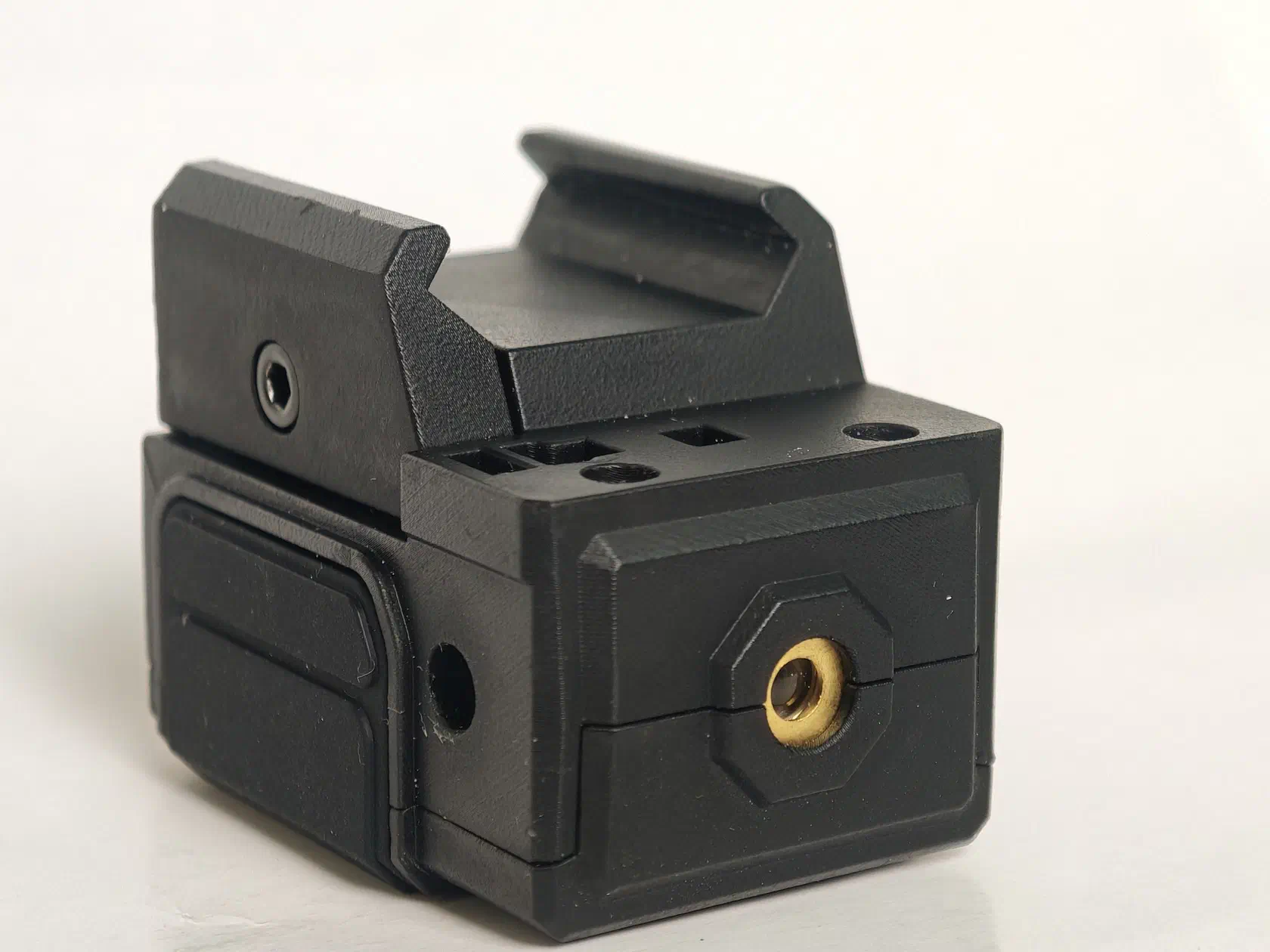
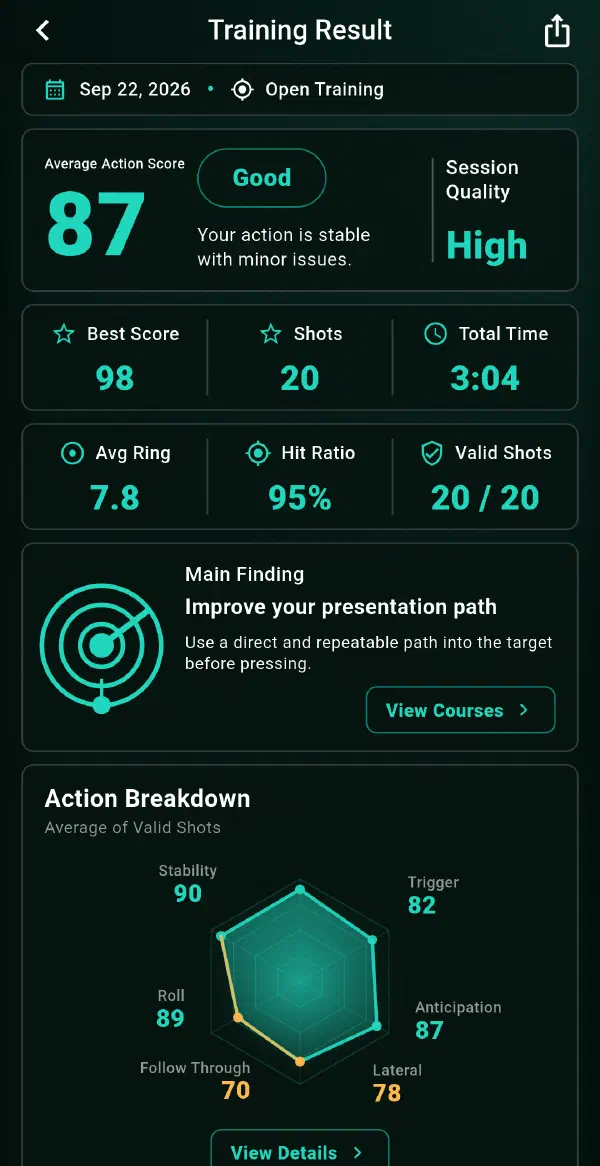
PrototypeDevice photo and internal-test app screen (sample data)
What a session looks like
Mount the device, stand your phone on a tripod facing a paper target, and dry-fire the way you normally would. The app counts you in, then the phone watches the target while the device is designed to follow the muzzle.
Always start with an unloaded firearm, no ammunition in the room and a safe direction to point.
How it works
From mounting the device to knowing what to practice next. Real-device performance is still being validated.
Slide it onto the accessory rail under the barrel and pair it with the app over Bluetooth.
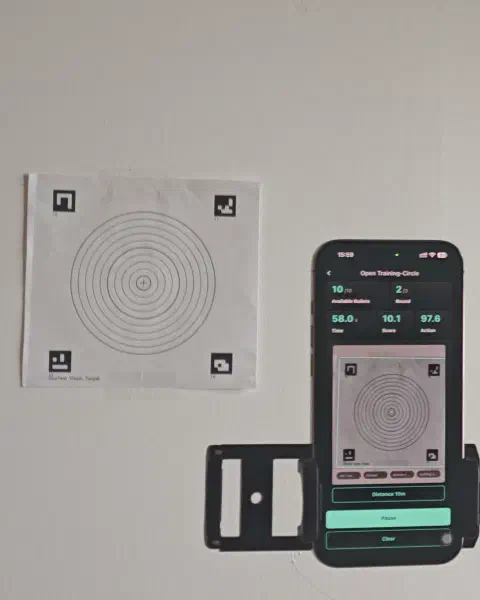
Put your phone on a tripod facing a supported paper target. The app locks onto its corner markers.
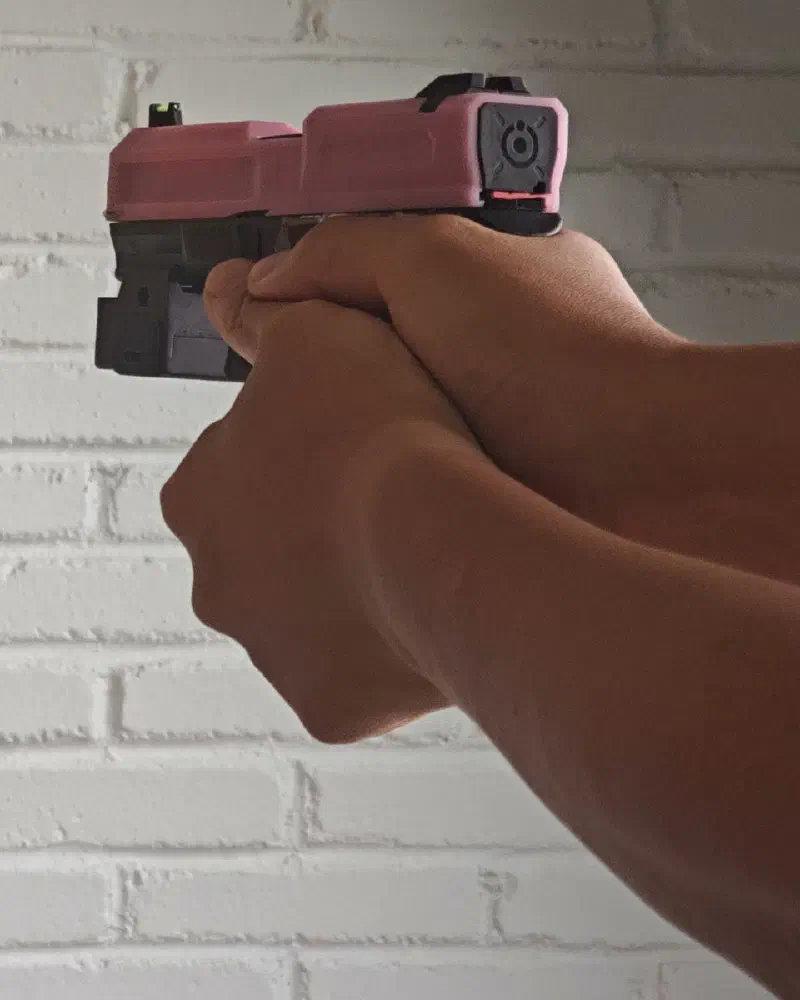
Press as usual. The device is designed to send a laser pulse at the break while recording how the muzzle moved.
See where each shot landed next to how the muzzle moved, then get one thing to work on.
Pictured: prototype device and internal-test app (sample data). Full walkthrough Setup tutorials
What you get
A paper target tells you where the shot went. TEKAIM is designed to add how the muzzle moved before, during and after the press.
Ring score, hit ratio and valid shots for the session, from the laser hits your phone detected on the target.
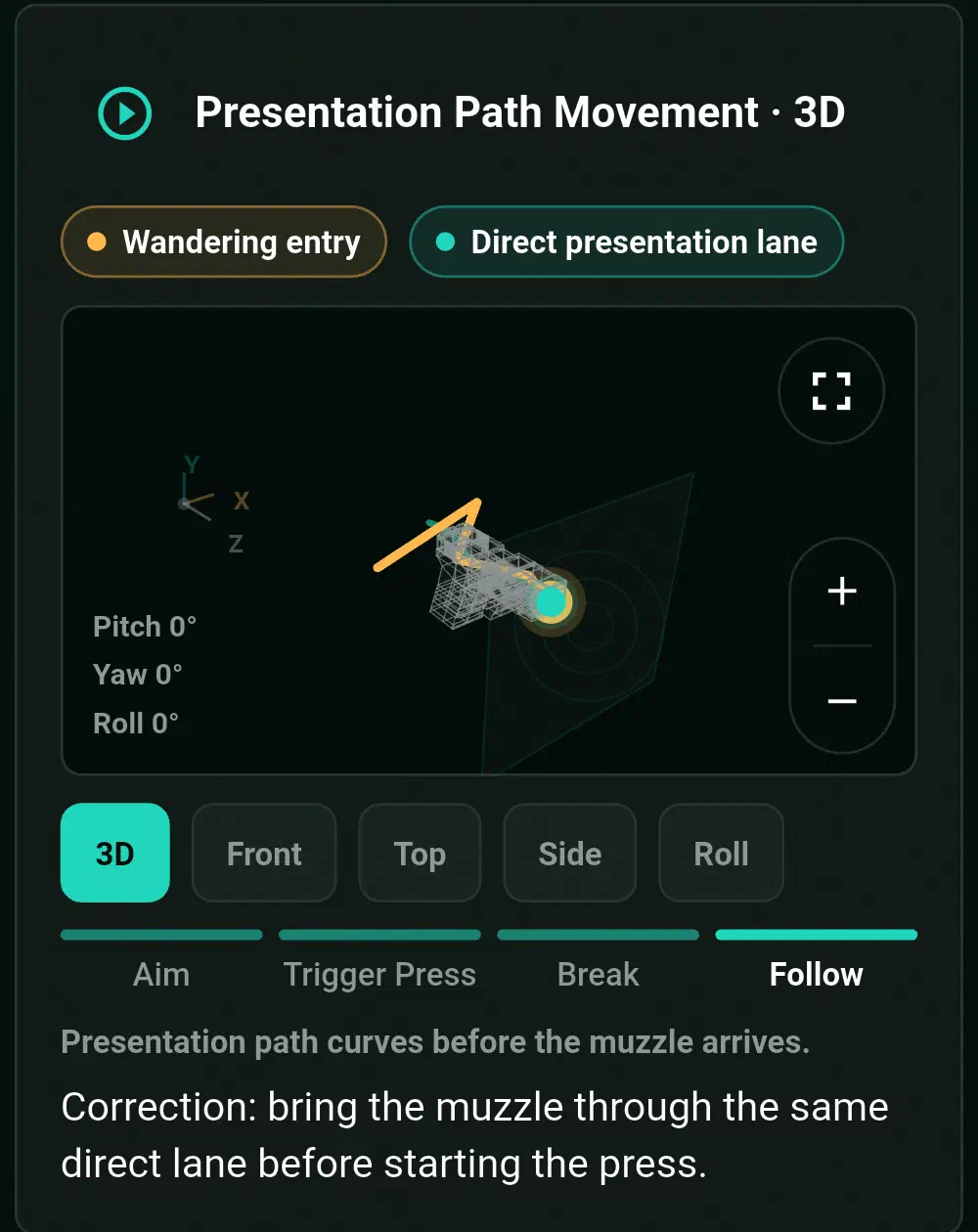
An action score for each shot, broken down into stability, trigger, anticipation, lateral, roll and follow-through, with a 3D view of the muzzle's path.
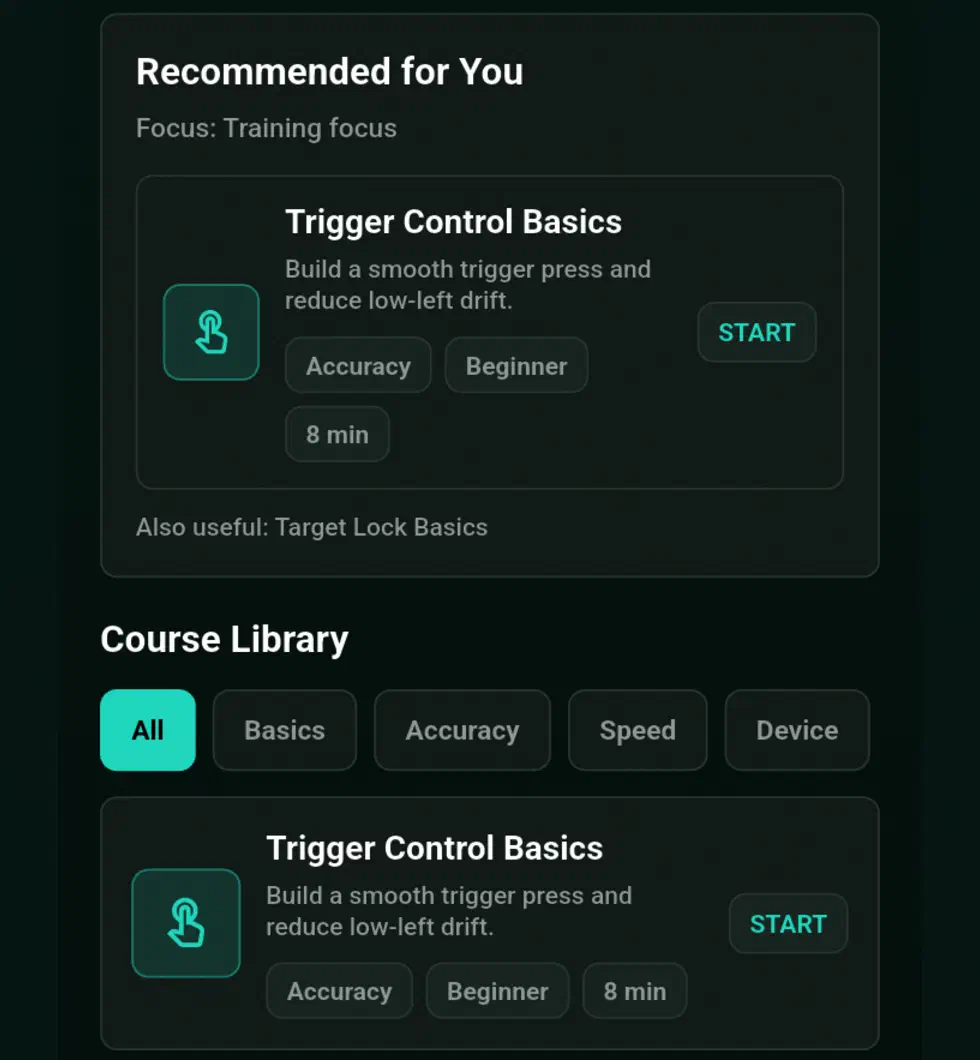
One main finding per session and a suggested focus, linked to a guided course with a correction tip. Session history keeps earlier practice in view.
Explore the app previewInternal-test build · sample data · screens may change
Where development stands
We separate internal-test software from real-device validation. Details move to the left column only after they are confirmed.

Android app available now. The iOS version is in App Store review.
Stay close to the launch
Get product validation updates and availability news by email. No invented release dates and no daily emails — unsubscribe anytime.
Want to test it before launch? Apply for Founding 50